On-device AI vs cloud AI: what's the difference, and which should you use?
· By Modelbase Team
On-device AI runs the model on your own phone, tablet or computer; cloud AI runs it on a company’s servers and sends your input there over the internet. That one difference decides almost everything else. On-device AI is private by default, works offline and costs nothing per use, but it’s limited to models small enough for your device’s memory. Cloud AI can use the largest, most capable models and live information, but it needs a connection and your data leaves your device.
Most people end up using both. This guide explains how each works, compares them side by side, and helps you decide which to use when.
The difference in one table
| On-device AI | Cloud AI | |
|---|---|---|
| Where the model runs | Your phone, tablet or computer | A provider’s data center |
| Internet needed | No, once the model is downloaded | Yes, for every request |
| Where your data goes | Stays on your device | Sent to the provider |
| Model size | Small: about 0.3 to 8 billion parameters on a phone | Up to the largest models available |
| Knowledge of recent events | Only from training, unless it searches the web | Often with live search built in |
| Cost per use | None | Free tiers, subscriptions or pay per use |
| Availability | Works when the service is down | Depends on the provider |
| Uses your battery and storage | Yes | Barely |
How on-device AI works
An on-device model is a file, a few hundred megabytes to a few gigabytes, that sits on your device. When you ask something, your device’s chip loads the model into memory and generates the answer word by word. Nothing has to leave the device.
What limits it is memory. A model needs roughly its download size, and some more, in free memory while it works. That’s why phones run small language models, from a few hundred million to a few billion parameters, compressed with quantization (usually 4 bits per weight). Our explainer on small language models covers what those numbers mean, and What is MLX? covers the software that runs them on Apple devices.
Small models have come a long way. They’re good at everyday writing, summaries, explanations, translation, questions about a photo or a PDF you give them, and step-by-step math with reasoning models. They know less than the largest models and make more mistakes on niche facts.
How cloud AI works
With cloud AI, the app on your device is a window. Your message goes over the internet to the provider’s servers, which run a very large model on specialized hardware and send the answer back. That’s how ChatGPT and most AI assistants work, and why they can’t work offline (more on that).
The benefits are real: the largest models, long and complex reasoning, coding, and up-to-date answers with web search. The costs are that you need a connection, your messages are processed (and, depending on the provider and your settings, may be stored) on someone else’s computers, and heavy use usually means a subscription.
Privacy: what actually leaves your device
With on-device AI, a model running on your phone has no reason to send your messages anywhere. But “on-device” apps can still have features that go online, so it’s worth checking:
- The App Store privacy label. It shows what data an app collects, such as “Data Not Collected”.
- Which features use the network. Web search, weather, maps or cloud models need to send something.
- Whether you need an account. No account means nothing to tie your chats to.
Cloud services vary widely: some keep conversations, some let you turn off training on your data, some offer zero-retention options for businesses. Read the provider’s policy for the specifics.
There’s also a middle ground. Apple Intelligence, for example, runs many features on the device and sends larger requests to Apple’s Private Cloud Compute servers, which Apple says use your data only to fulfill the request and don’t keep it (Apple Security).
Speed, battery and storage
Speed depends on the device and the model. On-device AI has no network round trip, but a phone has far less computing power than a data center, which is why it runs smaller models. Within what fits, smaller models answer faster and bigger ones take longer.
Battery: running a model is hard work for the chip, so long on-device sessions use more battery than most apps and can warm the phone. Cloud AI uses little battery on your side.
Storage: each on-device model takes space, from about 0.2 to 3.6 GB in the catalog of an app like Modelbase. You can delete models you don’t use.
When to use which
On-device AI is the better choice when:
- you’re offline: on a plane, abroad without data, somewhere without signal;
- the content is private: a health question, a letter to your landlord, a work document, a photo of a receipt;
- you use AI a lot and don’t want a subscription;
- you want it to work even when a service is down.
Cloud AI is the better choice when:
- you need the strongest reasoning, long analysis or complex code;
- you need current information and broad web research;
- your device doesn’t have the memory for a capable model.
The hybrid approach
You don’t have to pick one. Many apps now combine them, and the important part is that you can see and control which is which.
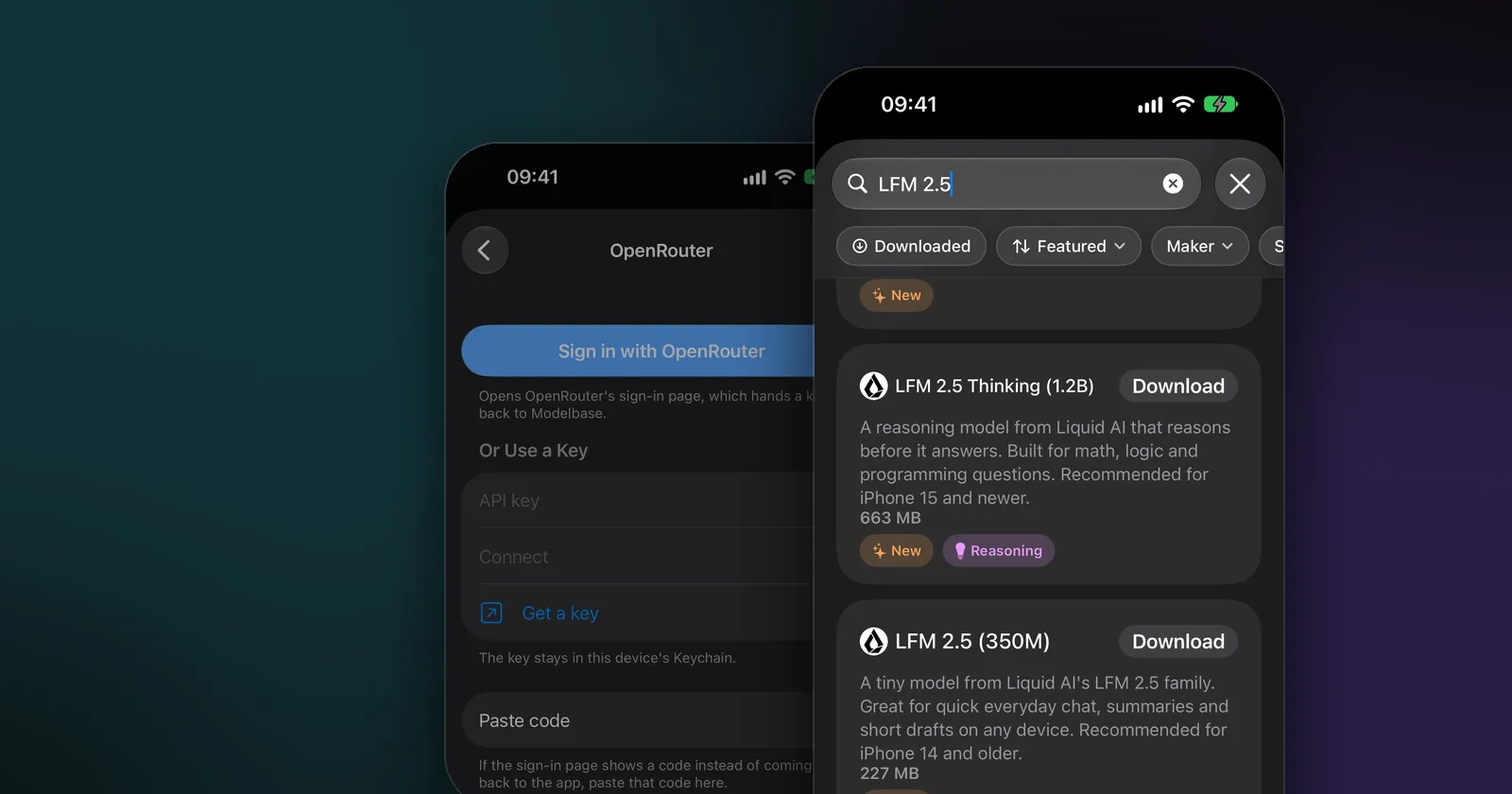
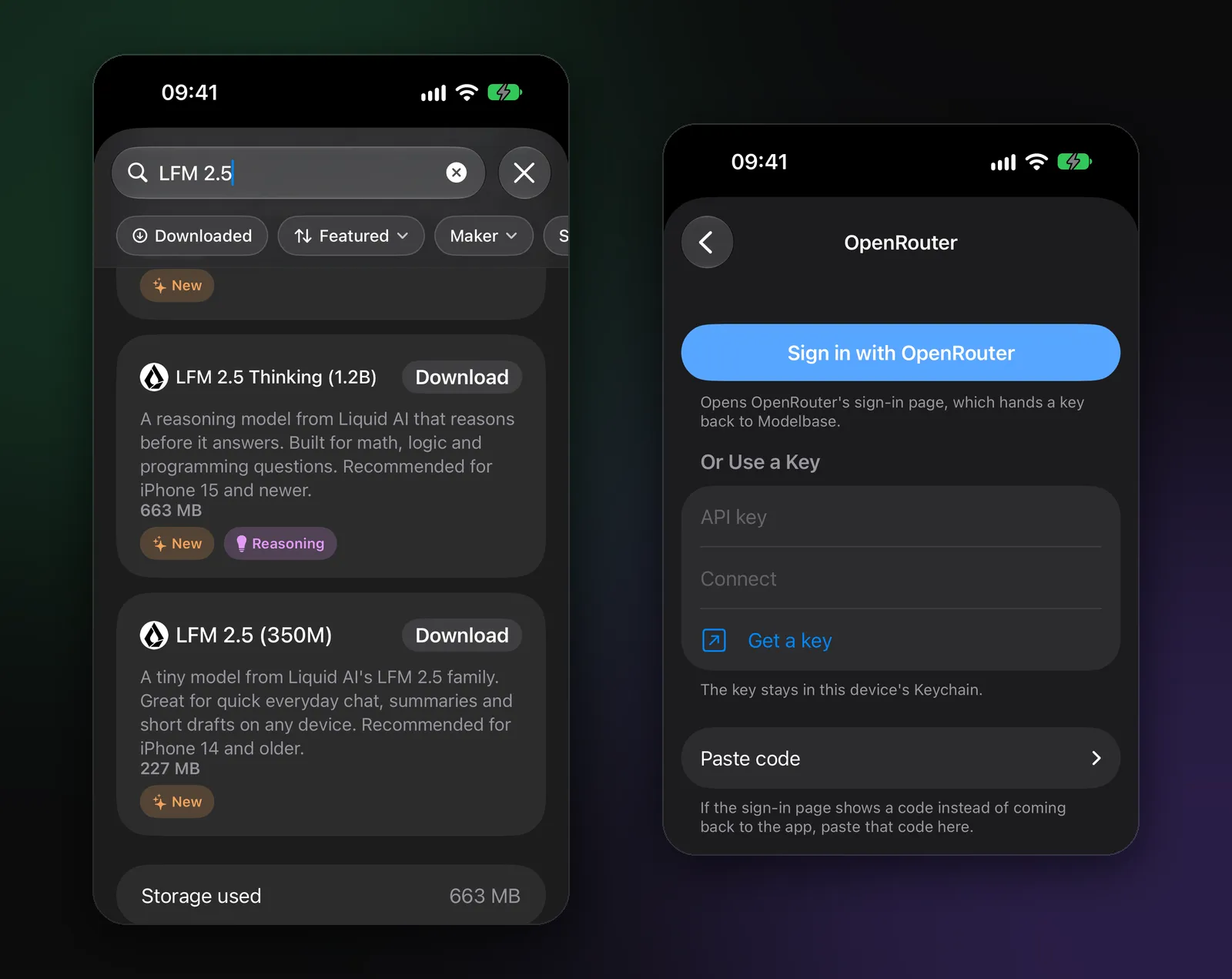
In Modelbase, for example, chats run on the device by default: the first model comes with the app, and the catalog has 53 more. When you’re online, web search sends only the search query (to DuckDuckGo and Wikipedia), not your chat. If you want a bigger model, you can add OpenRouter with your own key or a server of your own; those models are marked in the model picker, and the app says when a model runs on a server and your messages are sent there.
FAQ
What is on-device AI?
On-device AI is artificial intelligence that runs directly on your phone, tablet or computer instead of on a remote server. The model is stored on the device, and its chip does the computing, so it works offline and your data stays local.
What is an on-device LLM?
An on-device LLM is a language model, usually a small one of a few billion parameters or fewer, that runs entirely on your device. Examples you can run on an iPhone include Qwen 3.5, Gemma, Llama 3.2, Phi 4 Mini and LFM 2.5. See how to run an LLM locally.
Is on-device AI more private than cloud AI?
Generally, yes: if the model runs on your device, your input doesn’t have to leave it. Check an app’s privacy label and which of its features go online, because some on-device apps still use the network for search or cloud models. For what a cloud chatbot keeps, see Is ChatGPT safe?
Can on-device AI be as smart as ChatGPT?
Not for everything. Phone-sized models are much smaller than the largest cloud models, so they know less and struggle more with complex reasoning. For everyday tasks, and for anything you give them to work with, they’re often good enough, and they’re private and free.
What is the difference between edge AI and cloud AI?
“Edge AI” is the industry term for AI that runs on the device at the edge of the network (a phone, a camera, a car) rather than in the cloud. On-device AI on your phone is edge AI.
Does on-device AI need the internet?
Only to download the model. After that, it answers with no connection at all.
Try it on your iPhone, iPad or Mac
Modelbase is free on the App Store.