
Is ChatGPT safe? What happens to your chats, and how to keep them private
· By Modelbase Team
ChatGPT is safe to use in the everyday sense: it’s a legitimate service from OpenAI, and using it won’t harm your phone. But it isn’t private by default. Your chats are stored on OpenAI’s servers until you delete them, on the Free, Plus and Pro plans they can be used to train OpenAI’s models unless you turn that off, and like any AI it can give confident wrong answers. So the practical answer is: use it, change two settings, and don’t type anything you wouldn’t want stored on someone else’s computer.
This guide goes through what OpenAI says it does with your chats, the settings that matter, what not to share, and how to keep conversations off the cloud entirely.
Is ChatGPT safe? Four different questions
“Safe” can mean four things, and the answers differ:
| Question | Short answer |
|---|---|
| Is it a legitimate app? | Yes, if you use OpenAI’s official apps or chatgpt.com |
| Is my data private? | Not by default: chats are stored, and on personal plans may be used for training |
| Are its answers reliable? | Often, not always: check anything important |
| Is it OK for kids? | OpenAI’s terms require users to be at least 13, with a parent’s permission under 18 |
Sources for the last row: OpenAI Terms of Use.
The rest of this guide is mostly about the second question, because that’s where most people’s worries are.
Does ChatGPT store your data?
Yes. Your conversations are saved to your account so you can come back to them. According to OpenAI:
- Deleted chats are removed from your account at once and scheduled for permanent deletion from OpenAI’s systems within 30 days, unless they were already de-identified or OpenAI must keep them for security or legal reasons (OpenAI).
- Archived chats leave the sidebar but are not deleted.
- Files you saved separately (in your library) aren’t deleted with the chat; delete them on their own.
- Temporary Chats don’t appear in your history or memory and aren’t used to train models, but may be kept for up to 30 days for safety reasons (OpenAI).
Does ChatGPT use your chats to train its models?
On personal plans, by default, yes. A setting called Improve the model for everyone is on by default for Free, Plus and Pro accounts; turning it off doesn’t delete or hide your chat history (OpenAI).
Business plans are different. OpenAI says data from ChatGPT Business, Enterprise and Edu, and from its API, isn’t used to train its models unless the organization opts in (OpenAI).
Does ChatGPT share your data?
OpenAI shows ads to users on its Free and Go plans. It says it keeps conversations private from advertisers and does not sell customer data (OpenAI). Like any online service, it also uses service providers to run ChatGPT; the details are in its privacy policy.
The bigger point is simpler: anything you type is sent to OpenAI’s servers, because that’s where the model runs. That’s true of every cloud chatbot, not just ChatGPT.
Is ChatGPT safe for confidential information?
On a personal plan, treat it as not suitable for confidential information. Your chats are stored, and unless you’ve turned the training setting off, they may be used to improve OpenAI’s models. For work, check what your employer allows: business plans aren’t used for training by default, but the data still sits on OpenAI’s servers.
How to make ChatGPT more private
- Turn off training. In ChatGPT’s settings, open Data controls and turn off Improve the model for everyone.
- Use Temporary Chat for one-off sensitive questions. It stays out of your history and isn’t used for training.
- Delete what you don’t need. In Settings > Data controls, Delete all chats removes everything at once; it can’t be undone (OpenAI).
- Use the official app. Download ChatGPT from the App Store listing published by OpenAI, and be wary of look-alike apps and sites that ask for your OpenAI password.
- Protect the account. Your chat history is only as safe as your login: use a strong, unique password.
What not to tell ChatGPT, or any cloud chatbot
A good rule for any AI that runs on someone else’s servers:
- Passwords, PINs and one-time codes. No chatbot needs them.
- Card, bank and ID numbers. Ask about a document’s format, not with the real numbers in it.
- Health records and test results with your name on them, if you’d mind them being stored.
- Confidential work material: contracts, source code, customer data, unannounced plans, unless your company’s plan and policy allow it.
- Other people’s private information, like a friend’s medical situation or a colleague’s address.
You can still ask about all of these topics. Describe the situation instead of pasting the identifying details, or use an AI that never sends the text anywhere.
Keeping your chats off the cloud entirely
Settings reduce what a cloud chatbot keeps; they can’t change the fact that your words go to its servers. The only way to have an AI chat where the text never leaves your device is to run the model on the device.
That’s what Modelbase does on iPhone, iPad and Mac (iOS 18 or later, macOS 15 or later on Apple silicon):
- The model runs on your device. When you chat with an on-device model, your messages are processed on your iPhone, iPad or Mac, and it works with no connection at all.
- No account, no analytics, no advertising, no tracking. The developer doesn’t collect, receive or store your chats (Modelbase privacy policy).
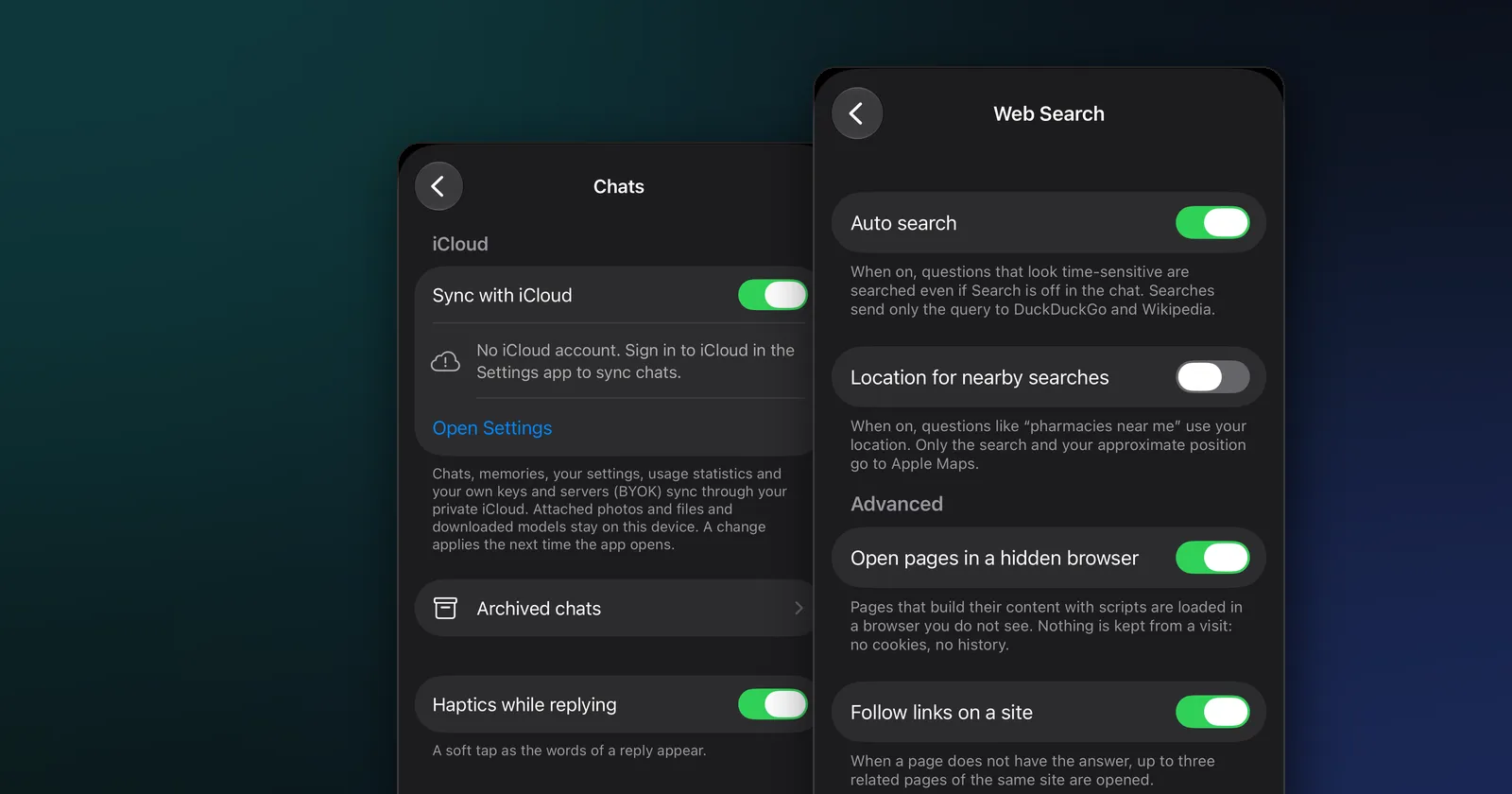
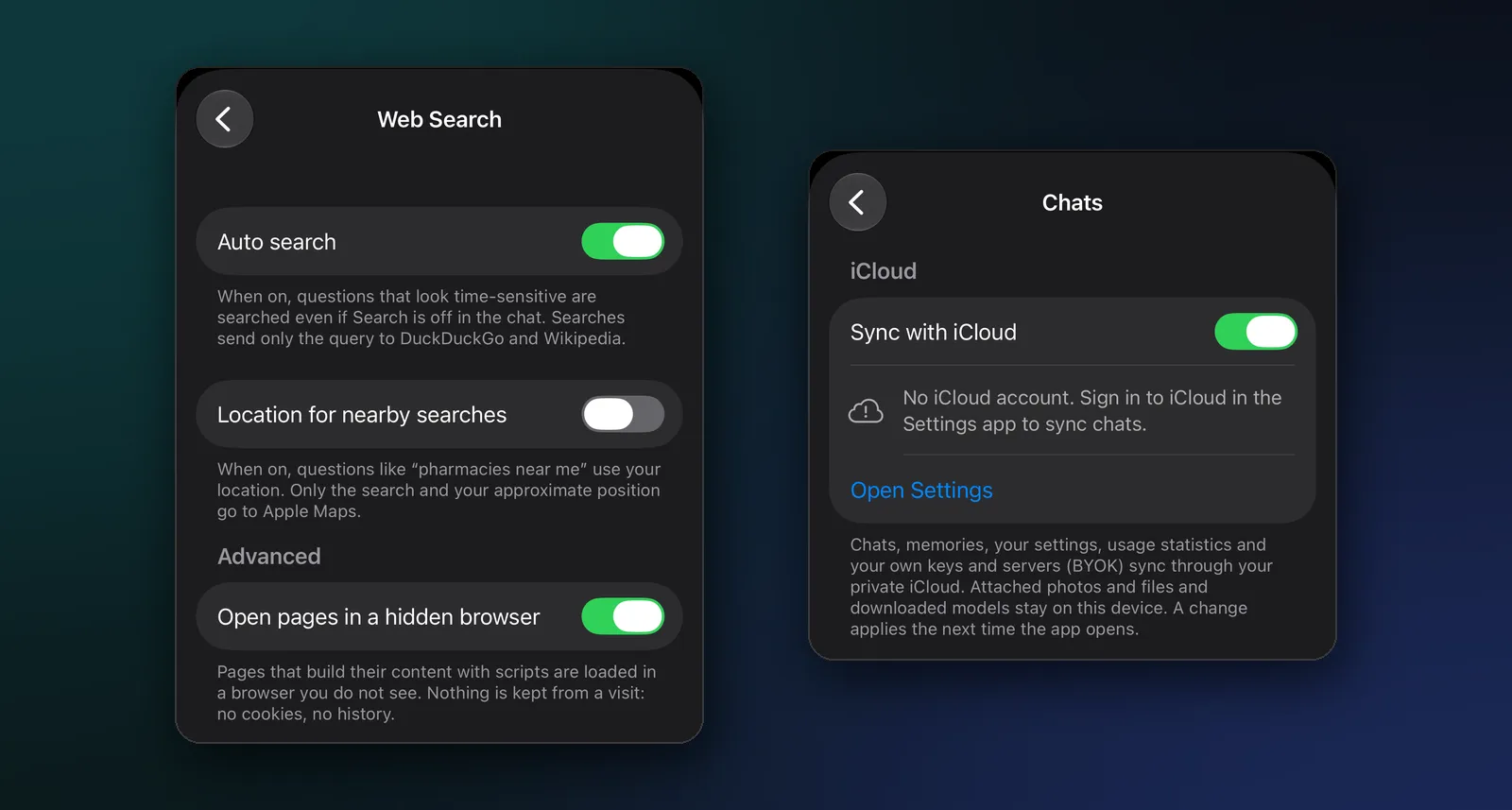
- Lookups send only what they look up. If a reply needs web search, only the query goes to DuckDuckGo and Wikipedia, and pages are opened in a hidden browser that keeps no cookies or history. You can turn web search off.
- Sync goes through your own iCloud. If you turn on Sync with iCloud, your chats sync through your private iCloud storage; attached photos and files and downloaded models stay on the device.
The trade-off is size: a model that fits on a phone knows less than ChatGPT and is weaker at complex reasoning. Many people use both: an on-device model for anything personal, and a cloud chatbot for the rest. Our guides to using AI offline, on-device AI vs cloud AI, private ChatGPT alternatives and running an LLM locally on iPhone, iPad and Mac go further.
ChatGPT vs an on-device AI, privacy compared
| ChatGPT (personal plan) | ChatGPT Temporary Chat | On-device model in Modelbase | |
|---|---|---|---|
| Where your words go | OpenAI’s servers | OpenAI’s servers | Nowhere; processed on your device |
| Kept | Until you delete it, then up to 30 days | Up to 30 days | On your device until you delete it |
| Used for training | By default, unless you turn it off | No | No |
| Works offline | No | No | Yes |
Sources: OpenAI data controls, OpenAI deleting chats, Modelbase privacy policy.
FAQ
Is ChatGPT safe to use?
Yes, as a service: it’s OpenAI’s official product. It isn’t private by default, though: chats are stored, and on personal plans they can be used for training unless you turn off “Improve the model for everyone”.
Is ChatGPT private? Are ChatGPT chats private?
Not fully. Your chats are stored in your account on OpenAI’s servers, and on personal plans they can be used to train OpenAI’s models unless you turn that off. OpenAI says it doesn’t share conversations with advertisers. For chats that stay entirely private, use a model that runs on your own device.
Does ChatGPT save your conversations?
Yes, in your chat history. Deleted chats are removed from OpenAI’s systems within 30 days, with exceptions for security and legal reasons. Temporary Chats are kept up to 30 days and don’t appear in your history.
Can I stop ChatGPT from training on my chats?
Yes. Turn off “Improve the model for everyone” in ChatGPT’s Data controls, or use Temporary Chat. Business, Enterprise, Edu and API data isn’t used for training by default.
Does ChatGPT sell your data?
OpenAI says it does not sell customer data and keeps conversations private from advertisers, who can show ads on the Free and Go plans.
Is it safe to tell ChatGPT personal information?
Share only what you’d be comfortable having stored on OpenAI’s servers. Avoid passwords, ID and card numbers, identifiable health records and confidential work material.
What is the most private way to use AI?
Run the model on your own device. With an app like Modelbase, chats with an on-device model are processed on your iPhone, iPad or Mac and never sent to a server.
Try it on your iPhone, iPad or Mac
Modelbase is free on the App Store.