Gemma vs Llama vs Qwen: which small model should you run on your iPhone?
· By Modelbase Team
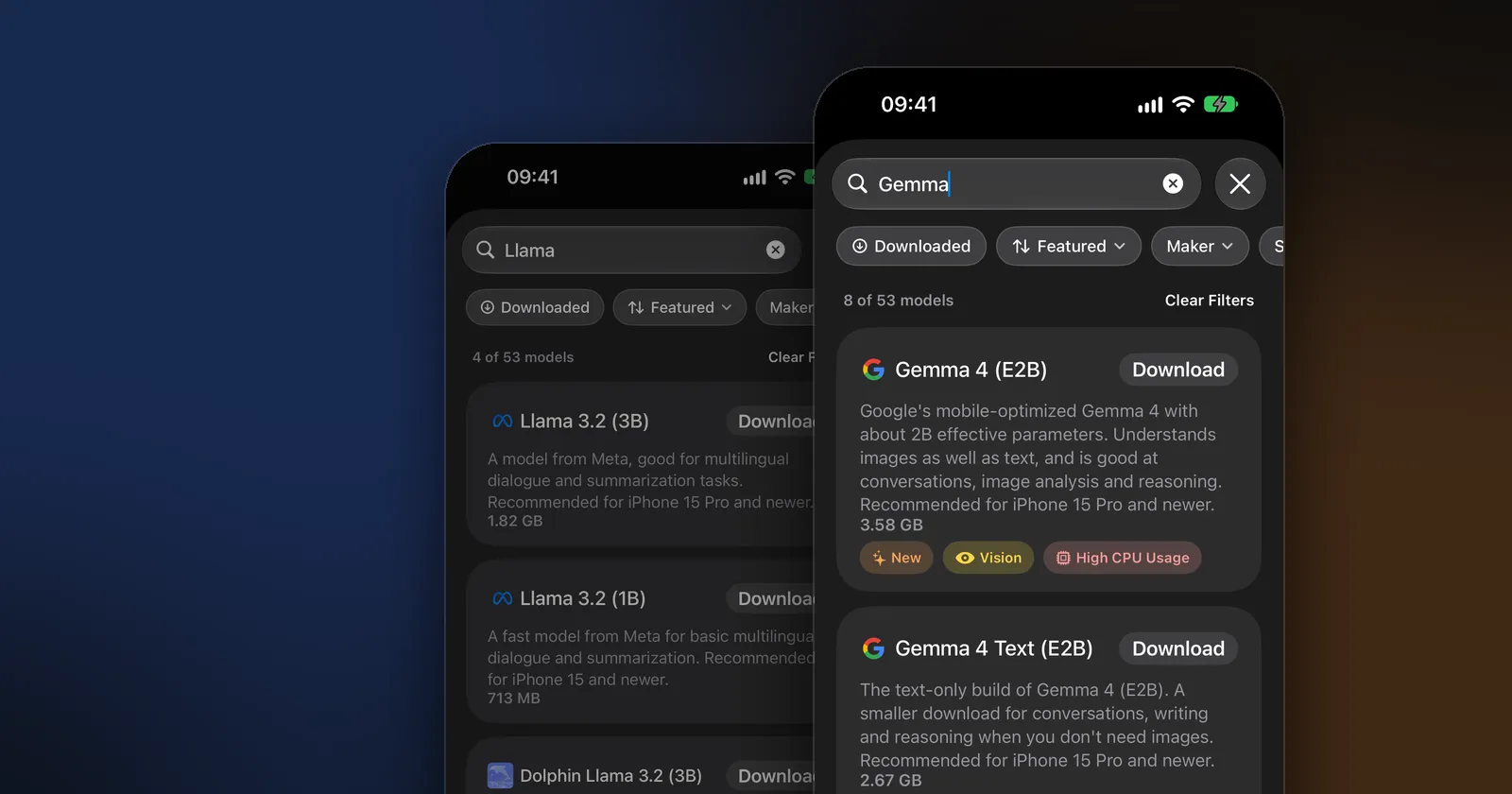
For most iPhones, Qwen 3.5 is the most versatile of the three, Gemma brings image understanding at the 2B to 4B sizes, and Llama 3.2 is a light, straightforward text model. Qwen 3.5 is the only one of the three families in our catalog that both looks at images and can think step by step, and it accepts the longest conversations. Google’s Gemma 4 (E2B) and Gemma 3 QAT (4B) understand images and many languages but need a recent Pro iPhone. Meta’s Llama 3.2 (1B and 3B) is text only and smaller to download.
There’s no single winner: the right model depends on what you’ll ask it and how much memory your device has. Below is every Gemma, Llama and Qwen model in the Modelbase catalog, compared on facts rather than benchmarks.
The three families
- Gemma is Google’s family of open models. The phone-sized ones in Modelbase are Gemma 4 (E2B), with about 2 billion “effective” parameters, and Gemma 3 in 270M, 1B and 4B sizes, including QAT versions trained to keep their quality when compressed.
- Llama is Meta’s family of open models. Llama 3.2 comes in 1B and 3B sizes for phones; they’re text models built for multilingual dialogue and summaries.
- Qwen is the open model family from Alibaba’s Qwen team. Qwen 3.5 (0.8B, 2B, 4B) understands images, can reason step by step when you ask, and supports more than 200 languages; Qwen 3 adds very small and reasoning-only versions.
Side by side
| Model | Download | Photos | Thinking | Context | Recommended for |
|---|---|---|---|---|---|
| Gemma 3 (270M) | 0.19 GB | No | No | 32,768 | iPhone 14 and older |
| Gemma 3 (1B) / QAT (1B) | 0.77 GB | No | No | 32,768 | iPhone 15 and newer |
| Gemma 3 Text (4B) | 2.60 GB | No | No | 131,072 | iPhone 15 Pro and newer |
| Gemma 3 QAT (4B) | 3.03 GB | Yes | No | 131,072 | iPhone 15 Pro and newer |
| Gemma 4 Text (E2B) | 2.67 GB | No | No | 131,072 | iPhone 15 Pro and newer |
| Gemma 4 (E2B) | 3.58 GB | Yes | No | 131,072 | iPhone 15 Pro and newer |
| Llama 3.2 (1B) | 0.71 GB | No | No | 131,072 | iPhone 15 and newer |
| Llama 3.2 (3B) | 1.82 GB | No | No | 131,072 | iPhone 15 Pro and newer |
| Qwen 3 (0.6B) | 0.35 GB | No | Optional | 40,960 | iPhone 14 and older |
| Qwen 3.5 (0.8B) | 0.65 GB | Yes | Optional | 262,144 | iPhone 15 and newer |
| Qwen 3.5 (2B) | 1.75 GB | Yes | Optional | 262,144 | iPhone 15 Pro and newer |
| Qwen 3.5 (4B) | 3.06 GB | Yes | Optional | 262,144 | iPhone 15 Pro and newer |
All are 4-bit MLX models from the Modelbase catalog. “Recommended for” is what the app shows on each card, based on the download size; “Context” is the model’s maximum, and the app uses as much as your device’s memory allows. The catalog also has the older Gemma 3n (E2B) and Qwen 2.5, and Dolphin versions of Llama 3.2 tuned for coding, math and everyday use.
Gemma vs Llama
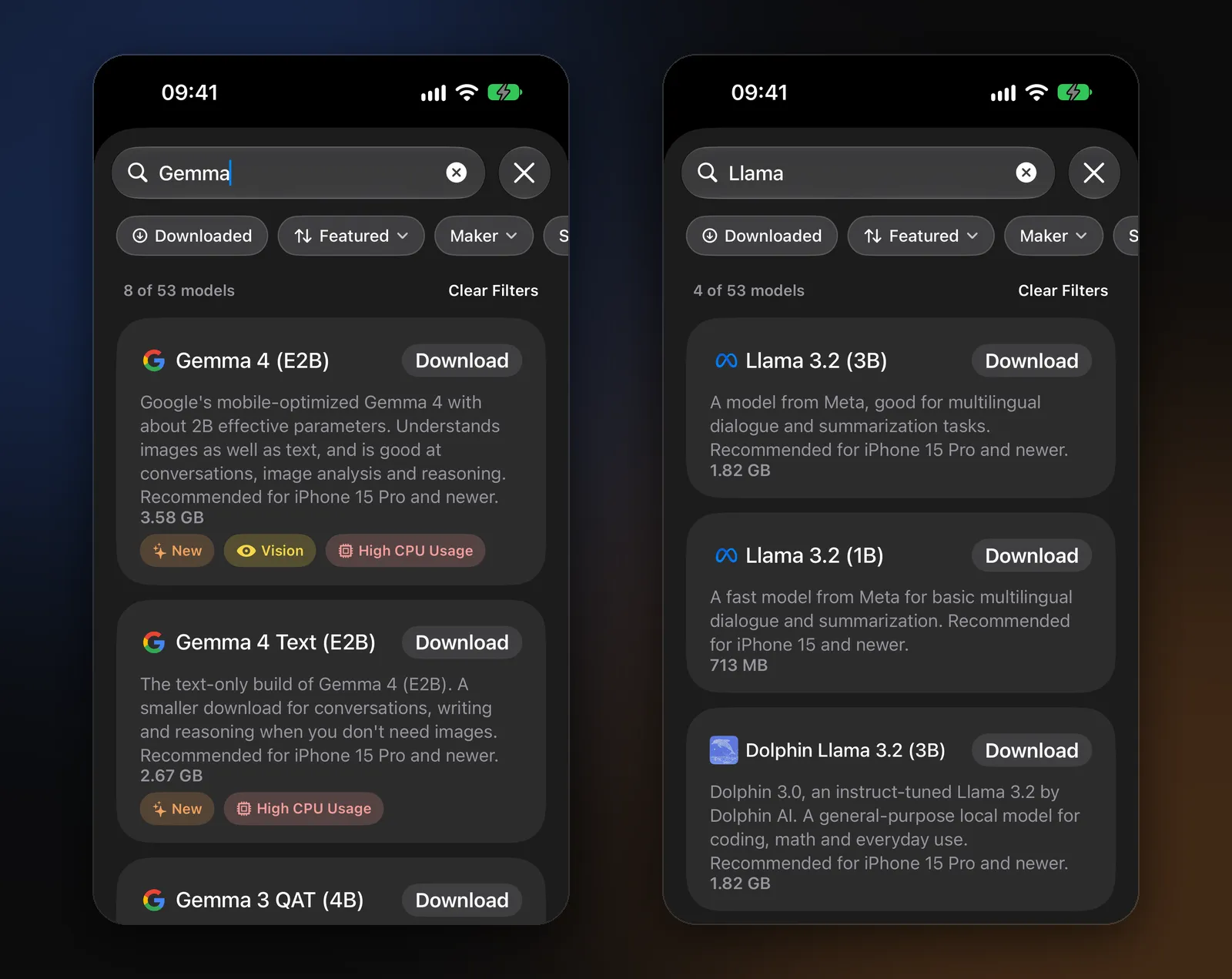
People searching “Gemma vs Llama” usually want to know which is better on their device. Comparing the phone-sized versions:
- Photos: Gemma wins. Gemma 4 (E2B) and Gemma 3 QAT (4B) understand images; Llama 3.2 1B and 3B are text only.
- Download size: Llama is lighter. Llama 3.2 (3B) is 1.82 GB, against 2.6 to 3.6 GB for the larger Gemmas.
- Tiny models: Gemma 3 (270M), at 0.19 GB, is smaller than anything in the Llama family and runs on older iPhones.
- Context: the same 131,072-token maximum for Llama 3.2 and the larger Gemmas; Gemma 3 1B and 270M accept 32,768.
- Reasoning on demand: neither offers the optional thinking mode in Modelbase; for that, use Qwen.
In short: if your iPhone can hold it and you want photos, pick Gemma; if you want a quick text model at under 2 GB, pick Llama 3.2 (3B). More on Meta’s small models in our Llama 3.2 guide.
Where Qwen fits
Qwen 3.5 combines what the other two split: every size understands images, every size can think step by step when you set the thinking level to Medium or High, and it accepts the longest context of the three. Qwen 3.5 (2B), at 1.75 GB, is about the same download as Llama 3.2 (3B) but adds vision and reasoning. The trade-off is that Qwen 3.5 (2B) and (4B) are recommended for iPhone 15 Pro and newer; on older phones, Qwen 3.5 (0.8B) or Qwen 3 (0.6B) fit better.
For how Qwen compares with DeepSeek’s reasoning model, see Qwen vs DeepSeek.
Which to pick for your iPhone
| Your iPhone | Everyday chat | Photos | A second, lighter model |
|---|---|---|---|
| iPhone 14 or older | Qwen 3 (0.6B) or LFM 2.5 (350M) | LFM 2.5 VL (450M) | Gemma 3 (270M) |
| iPhone 15 or 15 Plus | Llama 3.2 (1B) or Qwen 3.5 (0.8B) | Qwen 3.5 (0.8B) | Gemma 3 (1B) |
| iPhone 15 Pro and newer | Qwen 3.5 (2B) or Llama 3.2 (3B) | Gemma 4 (E2B) or Qwen 3.5 (4B) | Qwen 3.5 (0.8B) |
| iPad or Mac with more memory | Qwen 3.5 (4B) or Gemma 3 QAT (4B) | Gemma 4 (E2B) | Any of the above |
Modelbase also includes LFM 2.5 (1.2B) by Liquid AI, which works from the first launch, so you can start chatting before you download any of these. Our guide Which AI model should you run on your iPhone? covers the other families (Phi, Granite, Ministral, SmolLM) too.
How to try them
- Install Modelbase, free for iPhone, iPad and Mac.
- Tap the model’s name at the top of a chat, then Manage models > Local.
- Search for “Gemma”, “Llama” or “Qwen”, or filter by maker, and tap Download.
- Switch between them in the model picker and ask each the same question. Downloads can be deleted at any time.
FAQ
Is Gemma better than Llama?
On a phone, Gemma’s 4B-class models understand images and Llama 3.2’s don’t, so for photos Gemma is the better choice. For a lighter text-only model, Llama 3.2 (3B) is a smaller download than the 4B Gemmas. Try both on your own questions.
Which small model is best for iPhone?
For most recent iPhones, Qwen 3.5 (2B) is a strong all-rounder: it handles chat, photos and step-by-step reasoning in 1.75 GB. On older iPhones, choose a model under 0.6 GB, such as Qwen 3 (0.6B) or Gemma 3 (270M).
Can Llama 3.2 look at photos on an iPhone?
Not the 1B and 3B models in Modelbase; they’re text only. For photos, use Gemma 4 (E2B), Gemma 3 QAT (4B), Qwen 3.5 or LFM 2.5 VL (how to ask about a photo).
Are Gemma, Llama and Qwen free?
Yes, they’re open-weight models, free to download and run. Each comes with its own license from its maker (Google, Meta, Alibaba’s Qwen team), which matters if you build products on them.
Do they work offline?
Yes. Once downloaded, all of them run entirely on your iPhone, iPad or Mac with no connection.
Try it on your iPhone, iPad or Mac
Modelbase is free on the App Store.